The gym app your AI can use.
Connect your training history. Build a plan together. Bring it to the gym.
Connect your AIGet SET for your next workout.
Your history. Your AI. Your next workout.
01 / Connect
Put your history to work.
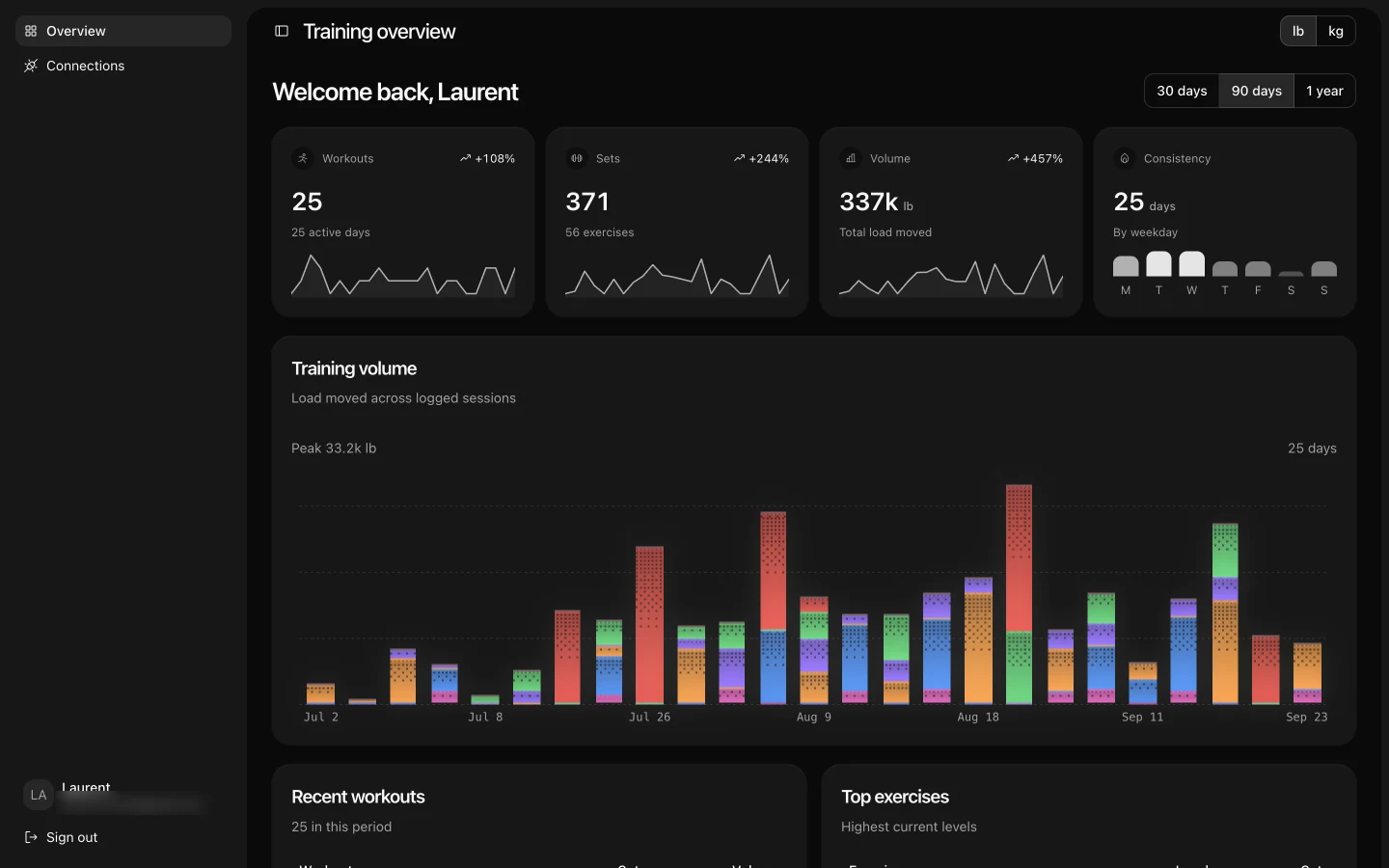
Give a compatible AI assistant access to your saved SET training. Ask what changed, what you lifted, and what to focus on.
Connect your AI →02 / Plan
Talk it through. Save it.
Build a plan around your schedule and equipment. Once you agree, your assistant can save it directly to SET.
Build a plan →03 / Train
Take the plan to the gym.
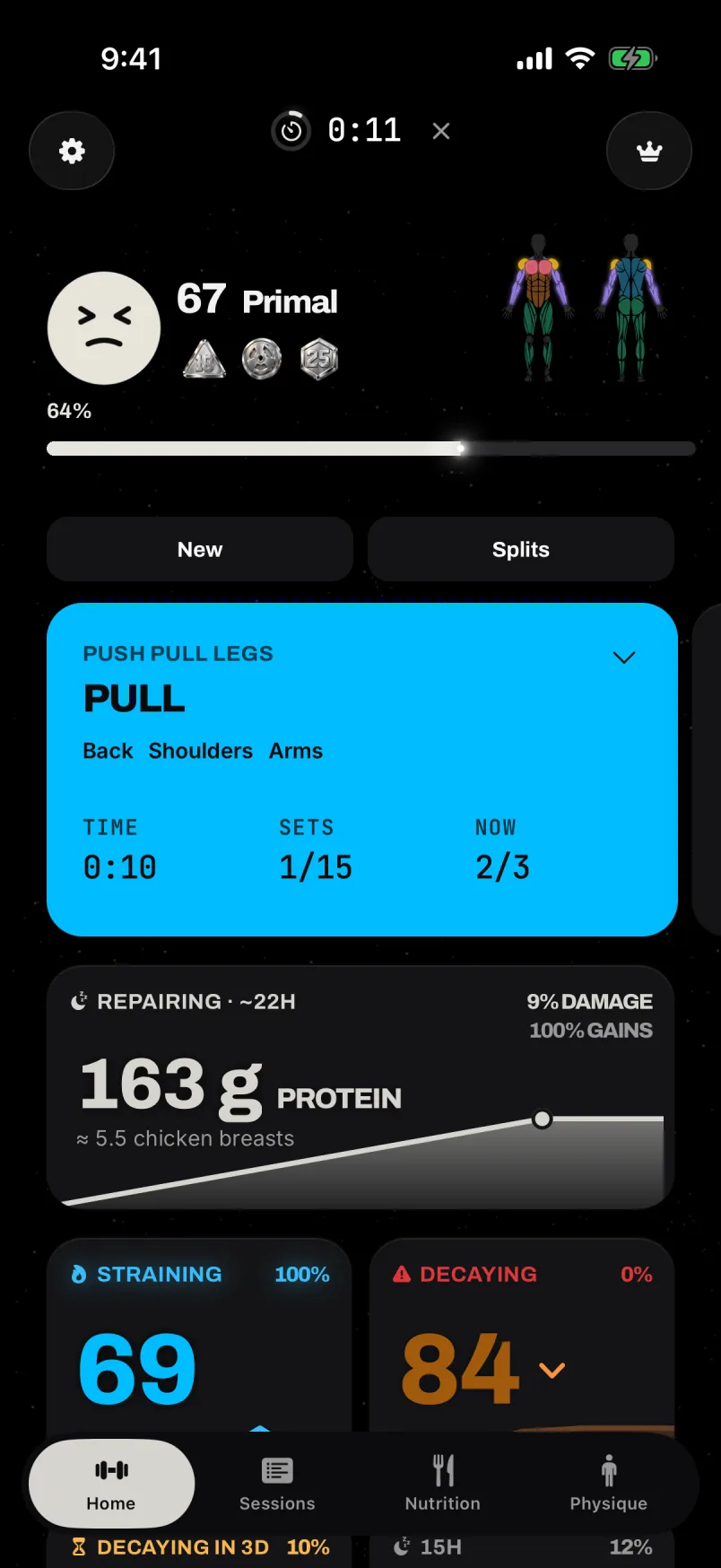
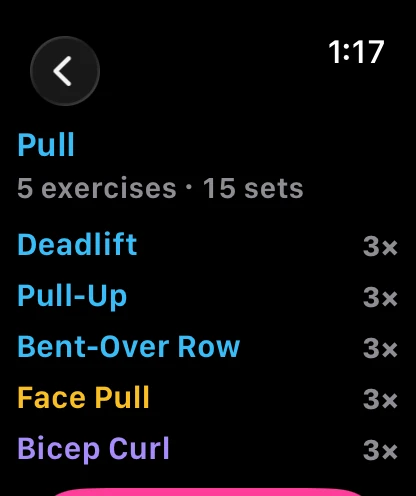
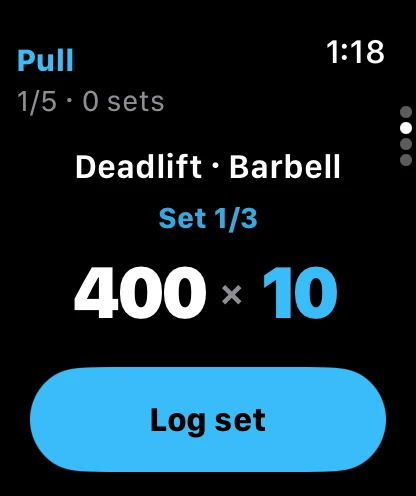
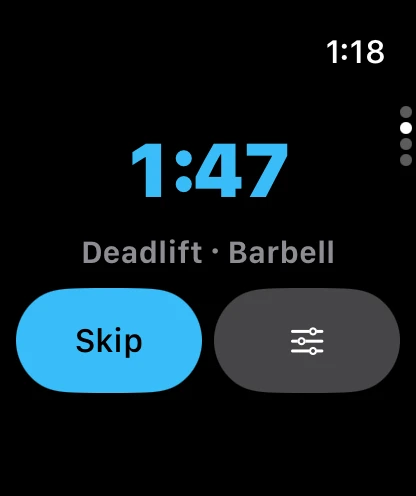
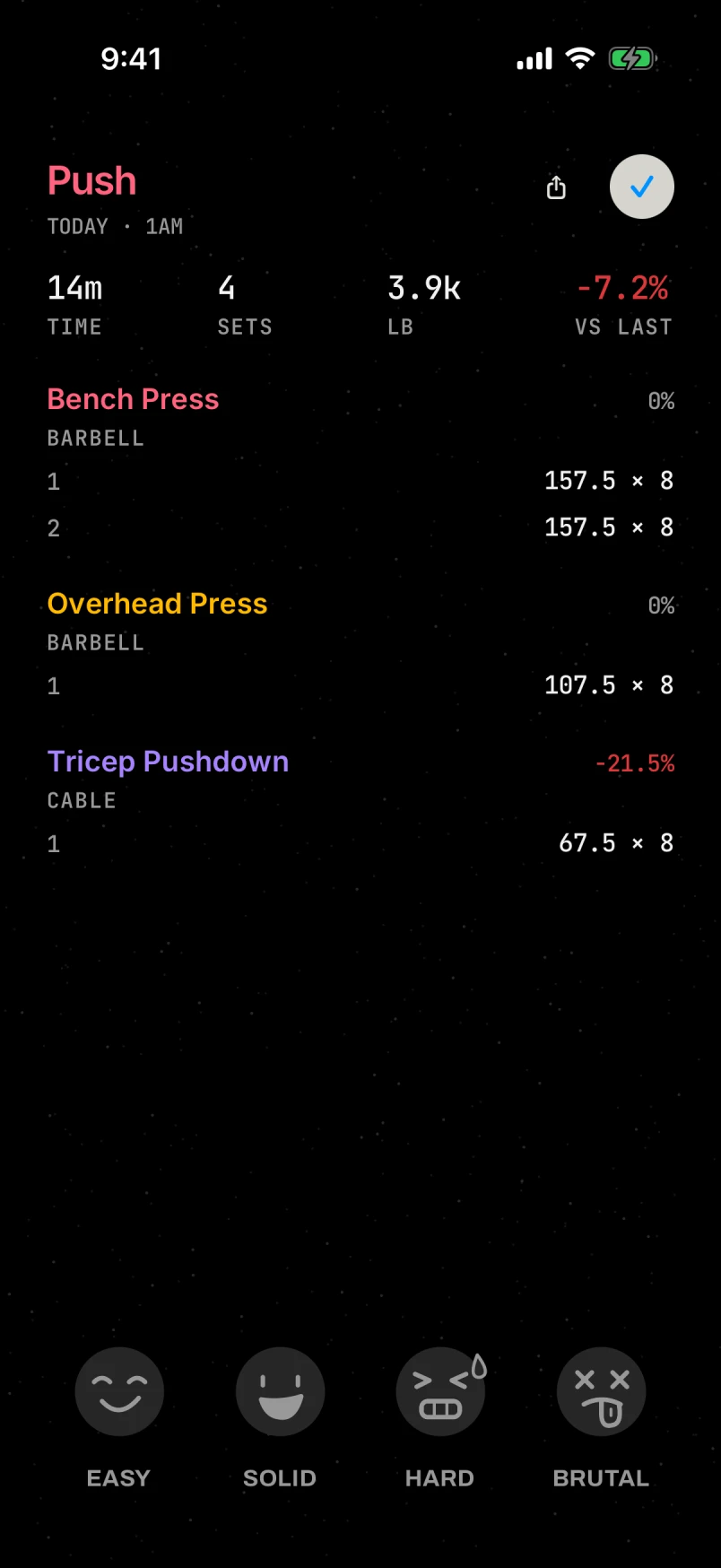
Log your workout in SET. Save the session, then ask your assistant to review the results for your next conversation.
See the gym workflow →SET connects through MCP. Your AI client needs remote MCP support; availability depends on the client, account, and device. Workout logging stays in SET.
A gym log that helps with the next session
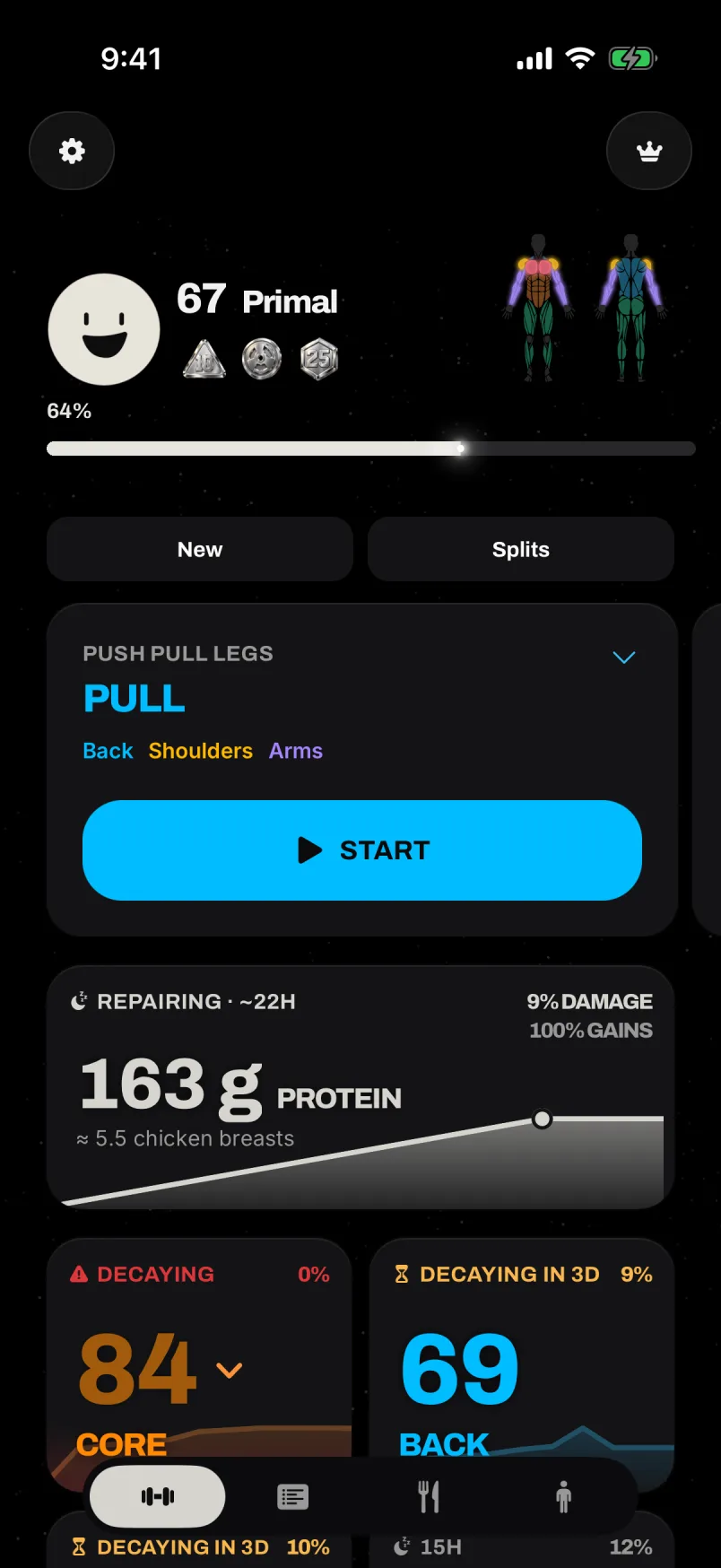
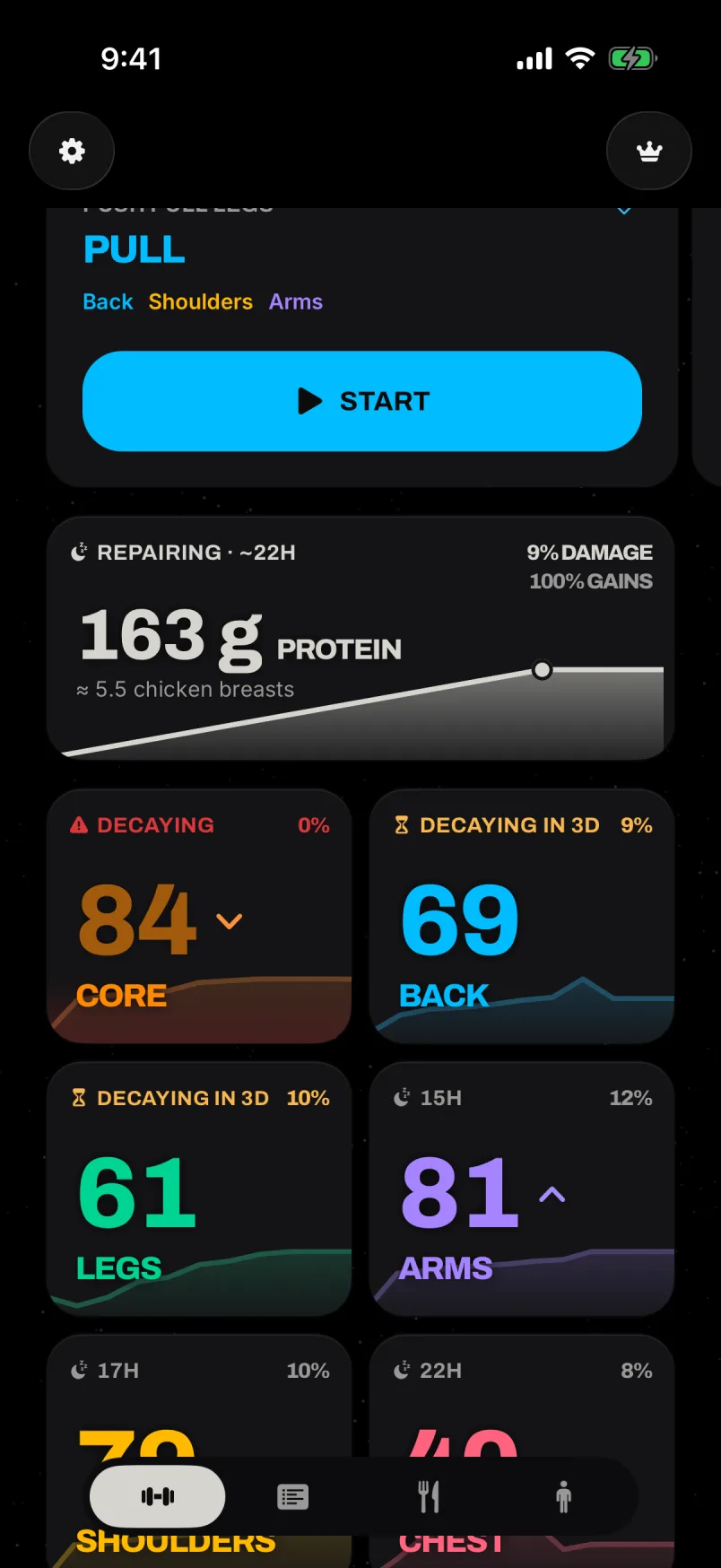
SET is a workout tracker for recording exercises, sets, repetitions, and weight, then reviewing what those sessions mean for your training. The Board organizes shoulders, chest, back, arms, core, and legs into muscle lanes. You can see strength progress and the app’s readiness estimate without rebuilding your training history from scattered notes.
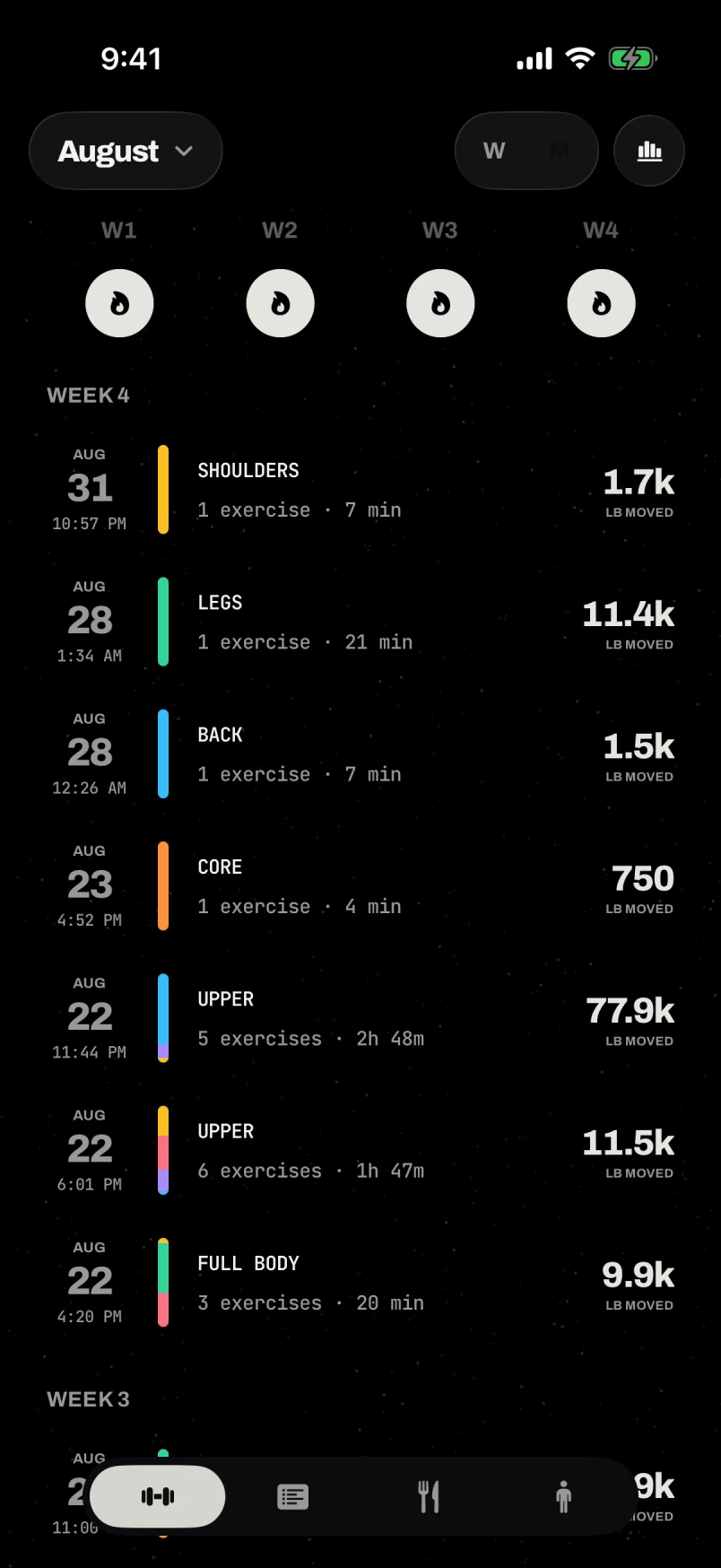
A useful log answers practical questions: what did I lift last time, which muscle groups have I trained recently, and what performance am I trying to improve? SET keeps the recorded workout as the foundation. Strength levels summarize saved lifting data; readiness adds a separate view of timing. Nutrition and optional physique tracking sit alongside those records.
Use it whether you already have a routine or are establishing a repeatable one. You do not have to change exercises merely to make a score move. Start with movements you can identify and loads you can record consistently, then let your own sessions provide the baseline for the next visit to the gym.
Log the workout you actually did
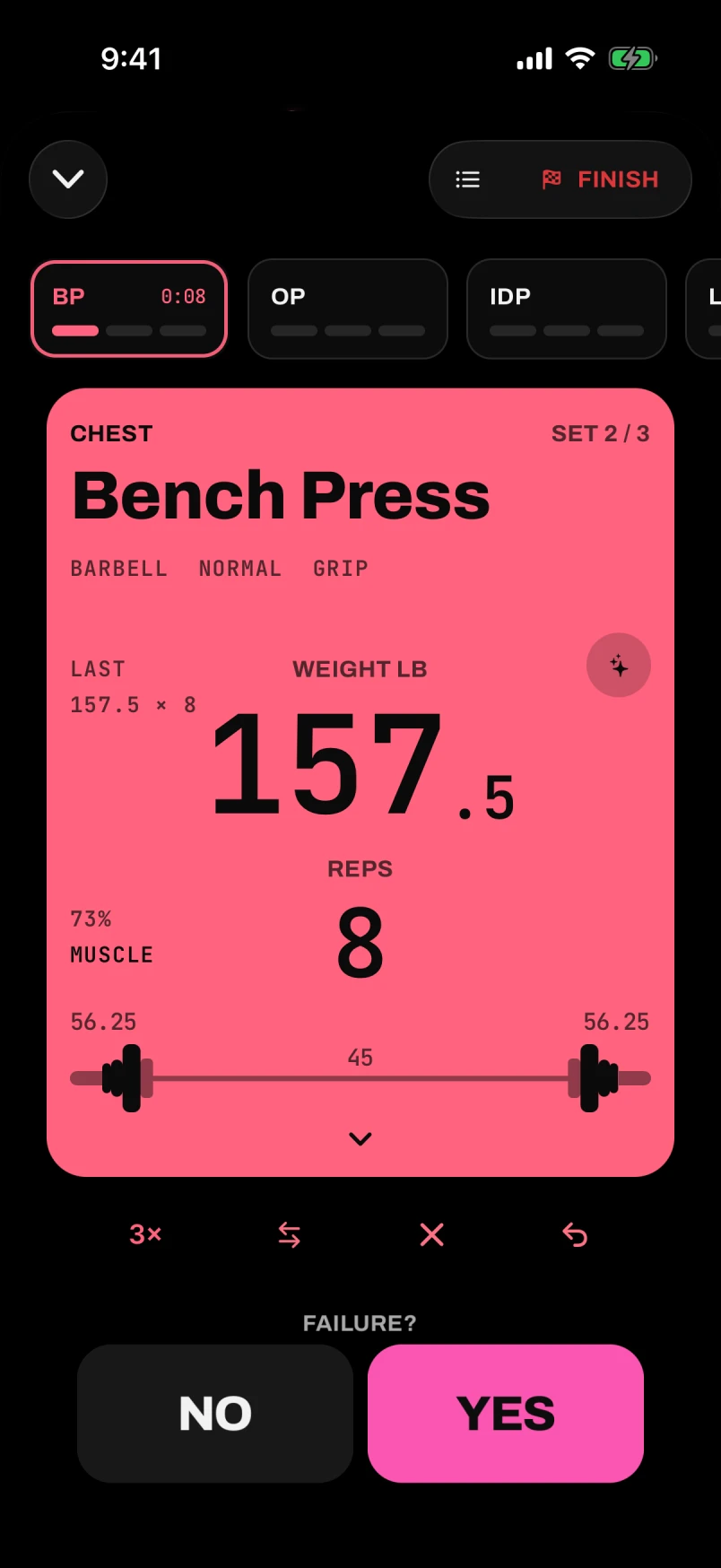
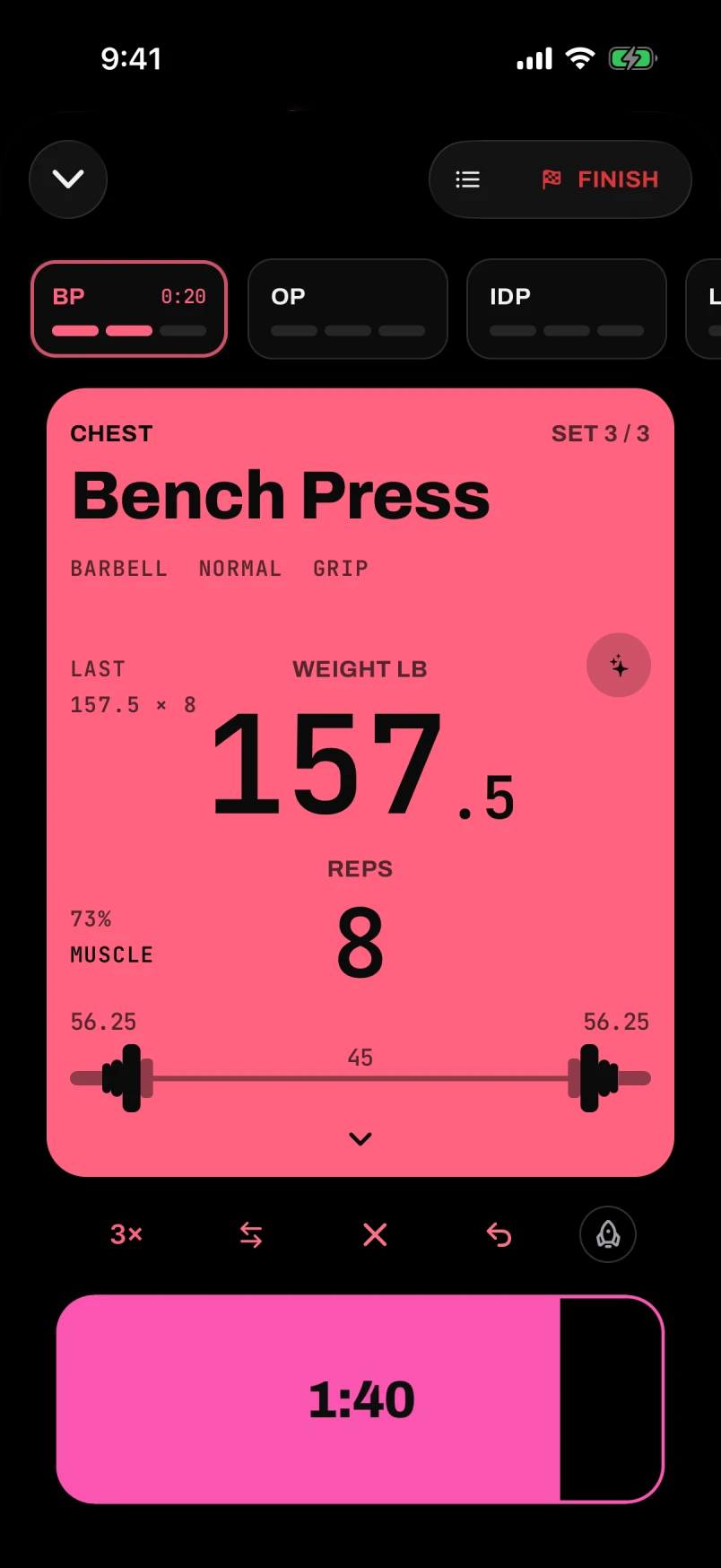
Choose the exercise, record the load and repetitions, and keep the session together while you train. SET’s exercise catalog distinguishes equipment and movement variations so your history can describe the actual lift. A flat barbell bench press and an incline dumbbell press should remain recognizable as different exercises when you look back.
You can record sets and use the rest timer without a connection. When you finish, the session stays on the unsaved shelf for review. Use Save to add it to your account history. This is also when it contributes to Board heat and strength, so an unfinished draft does not silently become a completed training record.
Consistent units make a log more useful. Include the bar in a barbell load, keep your dumbbell convention stable, and distinguish added weight from assistance on bodyweight movements. If you change how a number is recorded, comparisons can become misleading even when the workout itself was perfectly ordinary. The workout support guide explains saving and common input questions.
See progress for each muscle
A single workout total can hide which areas are progressing. SET shows muscle strength on a 1–99 scale derived from estimated one-rep maximum performance and its reference standards. The six muscle groups let you review more than your favorite lift and notice where the saved history is sparse.
A strength level is a model output, not a universal ranking of athletes. Exercise technique, load conventions, profile inputs, and the sets you save all matter. Keep the actual performance visible in your thinking: a comparable set with more repetitions or a higher load explains progress more directly than a label alone.
The public strength standards table shows the reference lifts and thresholds by bodyweight and sex. The strength-level calculator lets you inspect a particular lift before installing. Together they explain what the app is scoring and give you a clearer starting point than an unexplained badge.
Understand readiness without confusing it with strength
The Board uses Repairing, Primed, and Fading to describe estimated preparedness after training. These states summarize a timing model built from your history. They do not directly measure fatigue, and they do not guarantee that a personal record is available today. Use them alongside your program and your actual experience during the session.
Fading does not lower a strength level. A separate detraining model handles extended inactivity and can apply a modeled strength deficit after a grace window. Keeping those two ideas separate means a short gap between workouts is not presented as immediate strength loss.
If a lane looks unexpected, check the last saved workout and its date first. A finished session still waiting for Save has not yet contributed to the Board. An imported workout from last year belongs to last year’s timeline. Read the muscle recovery and readiness guide for examples of each state.
Bring your old training history
You do not need to abandon your previous records to start a new log. SET can turn pasted workout notes into a reviewable import draft. The text needs the facts you want to retain: session dates, exercise names, weights, and repetitions. Review the parsed result before committing it to your history.
This works as a text-import workflow rather than a continuous connection to another tracker. If you are moving from Strong, Hevy, a spreadsheet, or a notes app, keep the source export and test a representative session first. Check pounds versus kilograms, repeated sets, exercise variations, and added versus assisted load before importing a larger batch.
Identical repeated imports are designed to skip existing sets, but changed names, dates, or ordering can create different records. The workout import guide explains how to prepare clear notes, check a draft, and investigate missing sessions. Preserving the meaning of your old data is more valuable than rushing through an unchecked import.
Keep nutrition and physique in context
Nutrition logging gives your meals their own record alongside training. Saved foods and portion-based entries help you describe what you actually ate. An unknown macro stays different from zero, so missing information is not disguised as a precise total. Meal estimates should still be reviewed against the food and serving size you intended to log.
Optional physique scans provide a separate photo-based view of appearance. They do not award lifting strength or replace the workout log. Lighting, pose, framing, and clothing affect the images being compared, so repeatable capture conditions matter more than treating every small score movement as a physical change.
Submitted scan photos are used for inference and are not persisted as server photo records; the results are stored separately. Optional copies retained on your device are a different choice. The physique guide covers comparisons and limitations, and the privacy policy explains data handling.
Try the tools before installing
Start with the free strength calculator if your question is how a recent set maps to a SET level. Use the bodyweight-adjusted standards if you want to understand the reference bands. Browse the exercise library when you need to identify a movement or compare equipment options.
If you are thinking about a longer block, the 12-week forecast guide explains the starter assumptions and the difference between a projected lift and observed progress. A forecast provides a scenario; your saved sessions establish what actually happened. Neither a calculator nor a forecast requires a maximal lift just to produce a number.
For account, import, and saving questions, use SET support. For subscription management, see cancellation and refunds. When you are ready to keep the ongoing record, install SET and start with a workout you can compare with your next one.